Build Not Prompt · The Mini Course Collection

Cancel the
subscriptions.
Build the pipeline.

Eight practical mini courses on running AI on your own hardware, shipping software, and building the systems behind a business.

Unlock all 8 — $8 ↗One payment · 64 modules · Yours forever
  • 8mini courses
  • 64modules
  • $1per course
  • $8once, total
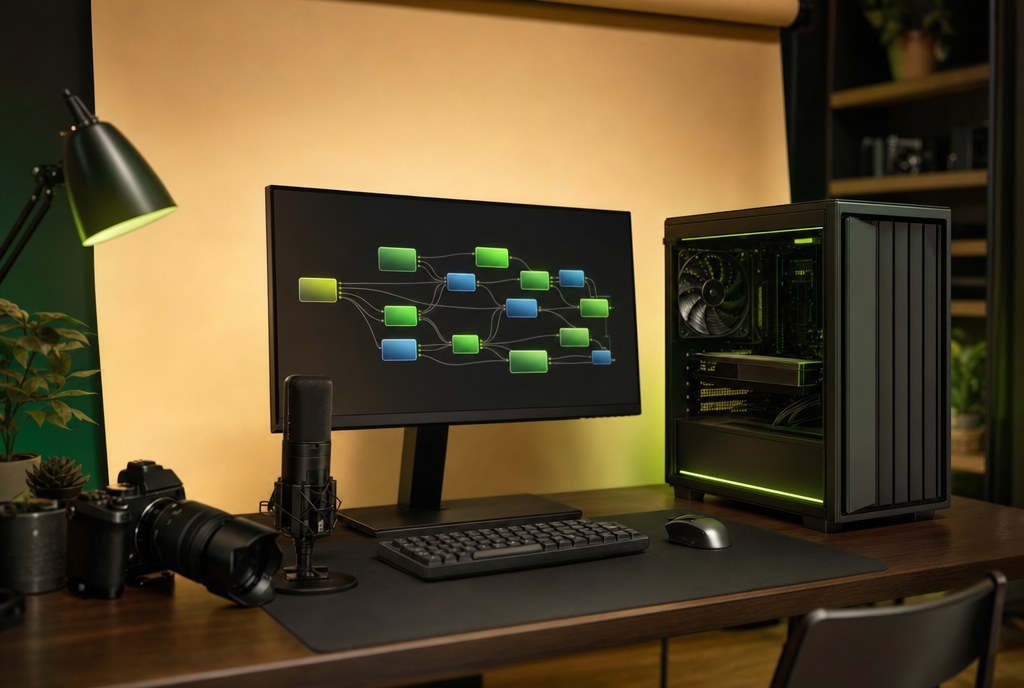
A one-person AI production studio: GPU towers, three monitors, a camera and a microphone
The pipeline these courses teach — built on hardware in one room.

01 / What's included

Everything you need to stop renting your tools.

This is the stack I actually run. Not theory, not a list of prompts — the same pipeline, fleet and business systems behind 107 shipped apps and $125M+ generated for clients.

  • Run local language models and stop paying per prompt
  • Generate images, video and voice on your own GPU
  • Train a character LoRA that stays consistent across every frame
  • Put several machines to work with one router and one job queue
  • Turn a local model into an OpenAI-compatible API you can resell
  • Ship and sell a micro-SaaS without a subscription meter
  • Build scrapers, lead databases and outreach that run without you
  • Run every business from one board — and distribute the content you make
Unlock all 8 courses — $8 ↗Courses aren't sold individually.

02 / The breakdown

Eight courses.
Eight modules each.

Two create. Two run the infrastructure. Two build the business. Two get it seen. Every module below is a lesson you can watch and a workflow you can run.

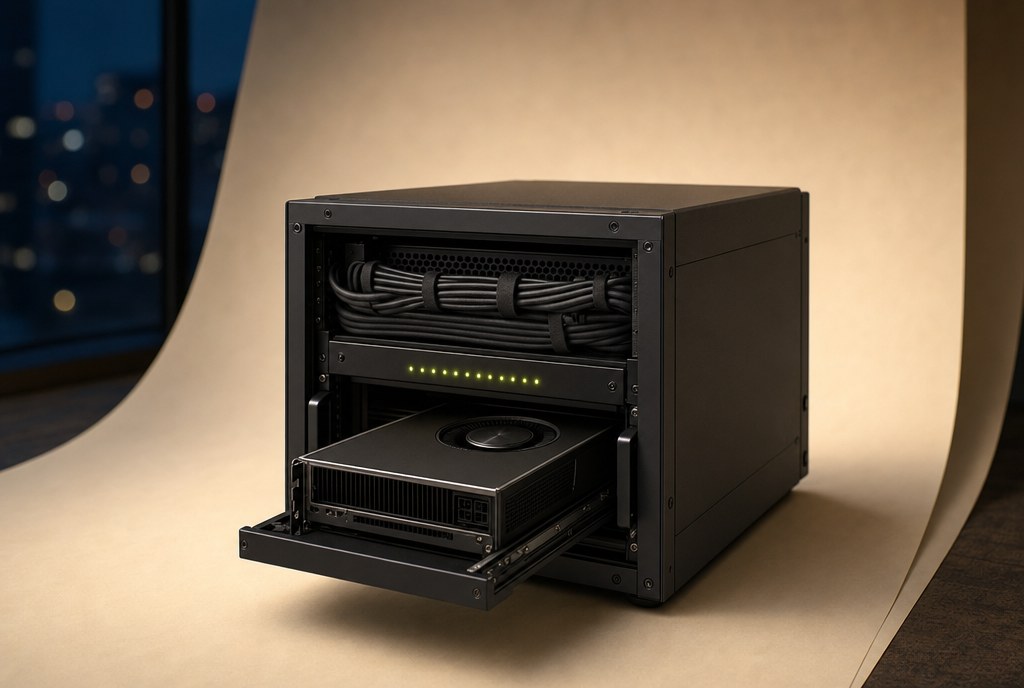
The Local AI Content Pipeline — course artwork01
Create

The Local AI Content Pipeline

$1

Connect text, images, video and voice into one workflow on your own GPU — and cancel the subscriptions that were doing it for you.

What you walk away with: You finish with a working pipeline: a brief goes in, a finished vertical clip comes out.

Module 01

Rethink AI subscriptions

Audit what you pay every month — ChatGPT, Kimi, Claude, Codex, Midjourney, ElevenLabs — and map each one to a local replacement. We cancel the meters and move the work onto hardware you already own.

Rethink AI subscriptions
Module 02

Local language models

Install Ollama and LM Studio, pick the right quantisation for your VRAM, and learn what actually matters: context length, tokens per second, and where a 14B model beats a frontier model for your work. You leave with an OpenAI-compatible endpoint on your own machine.
Local language models
Module 03

Flux and ComfyUI

Build your first image graph from scratch — model, text encoder, VAE, sampler, steps, CFG. Then generate a real image in under a minute and understand which knob changed it.

Flux and ComfyUI
Module 04

Character LoRA

Turn one approved reference into a character that is recognisably the same person from every angle. Dataset, captions, rank, steps, and the ArcFace identity check that proves it worked before you build a scene around it.

Character LoRA
Module 05

AI storyboarding

Take a script and turn it into a shot list: framing, lens, action and continuity. Batch-generate the frames first, review them on one sheet, and only then commit GPU time to video.

AI storyboarding
Module 06

Local video generation

Image-to-video on a 5090: what the card actually does, how long a 5-second clip takes, how much VRAM each model eats, and how to keep the character stable between shots.

Local video generation
Module 07

Local voice generation

Generate a clean narrator or clone a voice you have rights to — reference audio, model choice, pacing, and the read settings that avoid the uncanny delivery.
Local voice generation
Module 08

The content assembly line

Wire language, image, video and voice into one repeatable pipeline with hand-off points and naming conventions, so the second video takes a fraction of the time of the first.

The content assembly line
Get all 8 courses — $8 ↗Course 1 of 8 · 8 modules
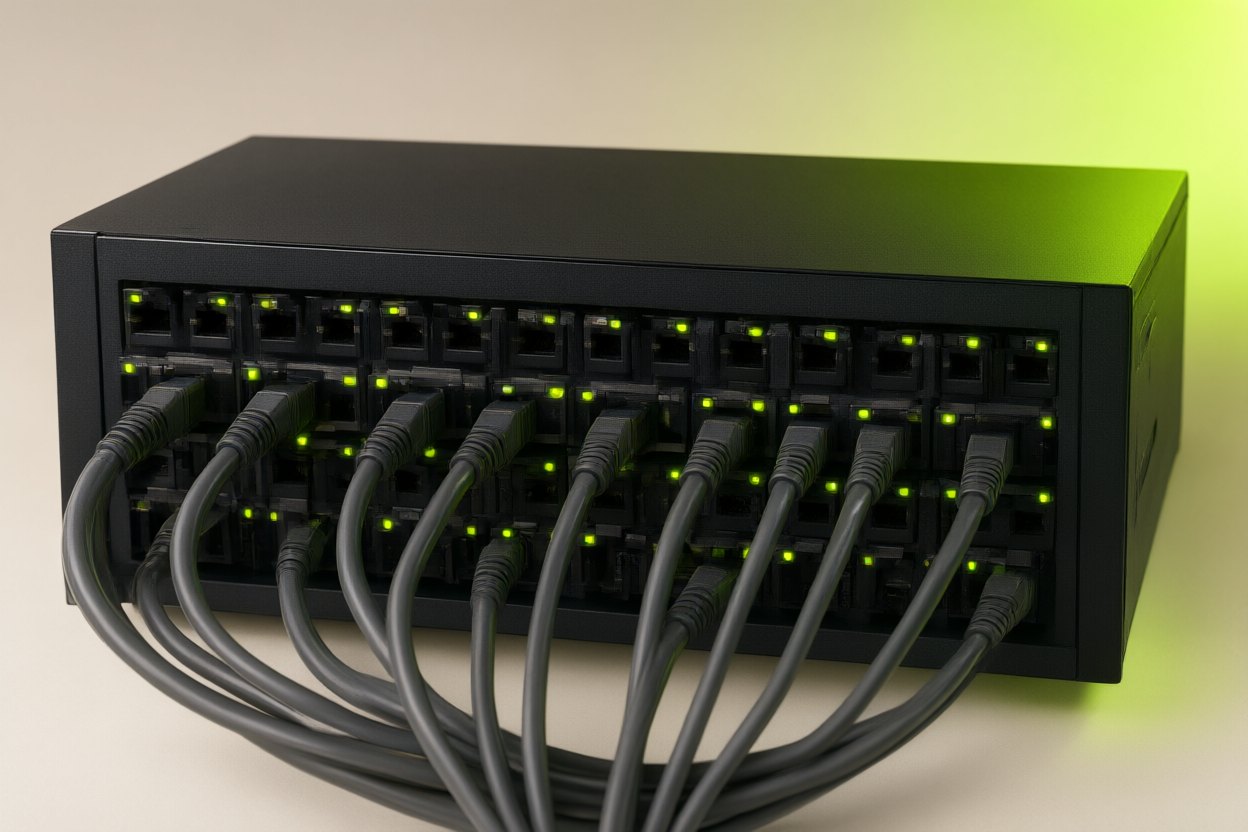
Consistent Characters & LoRA Mastery — course artwork02
Create

Consistent Characters & LoRA Mastery

$1

Build a repeatable character workflow, from training data to finished content — the same face in every frame, on purpose.

What you walk away with: You finish with a trained character LoRA and a pose set you can shoot scenes with.

Why consistency matters
01

Why consistency matters

What breaks first when a character drifts, and why eye-approval is not enough — the measurement that catches a different person behind the same wardrobe.

Build your dataset
02

Build your dataset

Sixteen to nineteen usable images, with the coverage that matters: angles, expressions, a hatless shot and a near-profile. What to crop, what to reject, what a bad anchor costs you later.

Train your first LoRA
03

Train your first LoRA

Rank, alpha, steps, learning rate and resolution, explained as trade-offs. Run the training on a rented card and know what each setting will do to the result.

Troubleshoot your results
04

Troubleshoot your results

Overcooked likeness, undertrained faces, baked-in lighting, drift between scenes. How to read the failure and which knob to turn first.

Poses and expressions
05

Poses and expressions

Generate new poses from reference conditioning instead of text alone, so the body changes while the face stays the same. Includes the identity gate you run before accepting a set.

Take your character into video
06

Take your character into video

Keep identity through image-to-video: which frames to start from, how much motion the model tolerates, and where the face falls apart.

Sell character work
07

Sell character work

What clients actually buy, how to price a character package, what to deliver, and the rights conversation you need before training on someone.

Connect to your content pipeline
08

Connect to your content pipeline

Hand the finished LoRA to Course 1 and render scenes, storyboards and video from the same character without re-approving the face.

Get all 8 courses — $8 ↗Course 2 of 8 · 8 modules
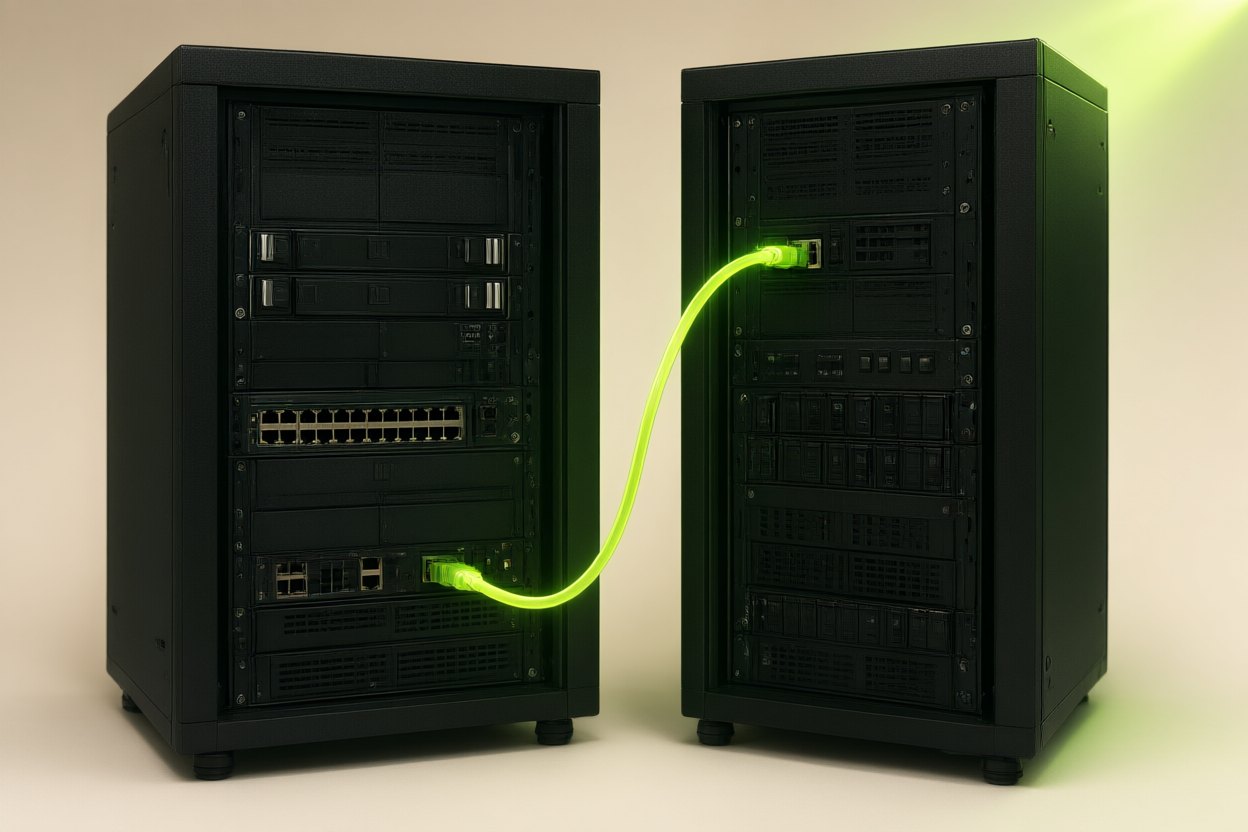
Local AI Models — Run, Serve & Resell — course artwork03
Infrastructure

Local AI Models — Run, Serve & Resell

$1

Run local models and learn the foundations of offering an AI API service — the same gateway that powers my own tools.

What you walk away with: You finish with a local model served behind an OpenAI-compatible API you control.

Models and quantization
01

Models and quantization

Parameter counts, GGUF, AWQ and fp8 — what actually fits in 8, 24 or 32 GB of VRAM, and the quality cost of each compression.

Ollama and LM Studio
02

Ollama and LM Studio

Install, pull and run your first models. Compare speed and quality on the same prompt, then pick a default for your machine.

Model alignment choices
03

Model alignment choices

Aligned versus uncensored models: what changes in behaviour, what the licence allows, and where you draw your own line as a reseller.

OpenAI-compatible APIs
04

OpenAI-compatible APIs

Expose chat completions with auth, streaming and usage accounting, so every existing SDK and tool can talk to your server.

Routing and fallbacks
05

Routing and fallbacks

Health checks, circuit breakers and cheap-first routing: send each request to the model that can answer it for the least money.

Expose your service safely
06

Expose your service safely

TLS, key management, rate limits and abuse controls. What to put in front of a GPU before strangers can reach it.

Reseller pricing
07

Reseller pricing

Cost per million tokens, markup, prepaid credit and how to explain pricing without lying about what a token is.

Connect to your AI fleet
08

Connect to your AI fleet

Move from one machine to many: the hand-off into Course 4, with the router and queue already named.

Get all 8 courses — $8 ↗Course 3 of 8 · 8 modules
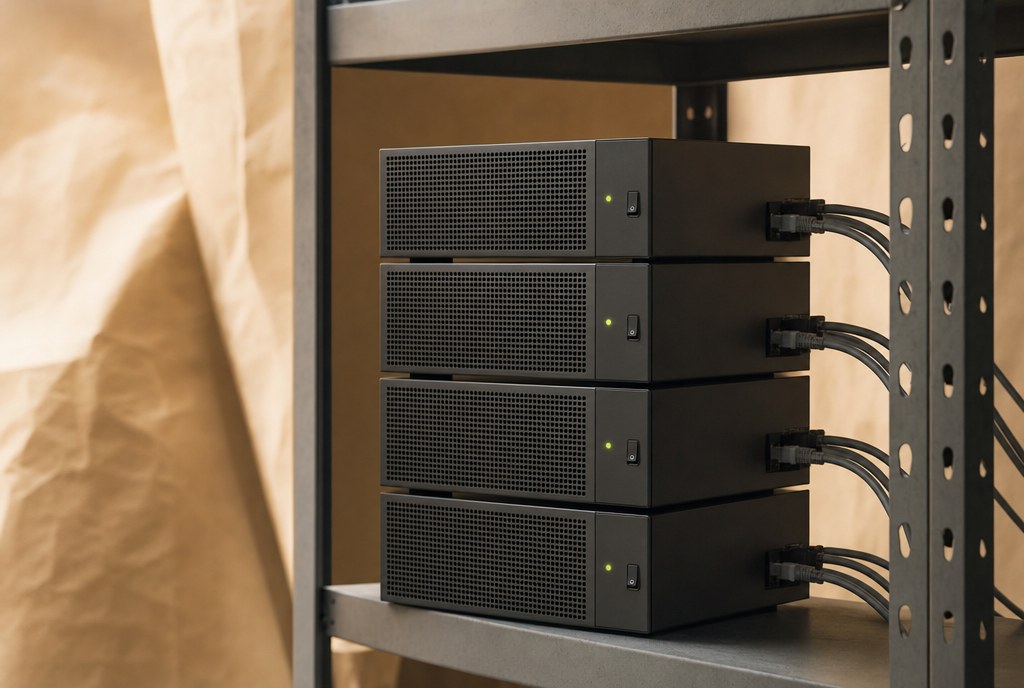
The Home AI Fleet — course artwork04
Infrastructure

The Home AI Fleet

$1

Put multiple machines to work with routing, job queues and cost tracking — so idle hardware stops costing you money.

What you walk away with: You finish with a router, workers and a queue that keeps every GPU busy.

When to add another GPU
01

When to add another GPU

Queue depth, wait time and the break-even maths. The honest answer is often "not yet" — here is how to tell.

The router and workers model
02

The router and workers model

One queue, capability-tagged workers, one job per card. The architecture that survives a machine going down mid-render.

Your image generation machine
03

Your image generation machine

Turn one box into a ComfyUI worker: model cache, node sets, and a health endpoint the router can trust.

Your video generation machine
04

Your video generation machine

Long-running jobs, VRAM discipline, and why a probe render must be a separate process after training exits.

Your language model server
05

Your language model server

Serve an instruct model with batching and a context budget, and keep it answering while image jobs run.

Job queues and routing
06

Job queues and routing

Priorities, locks, retries and fail-forward. Route by capability and cost instead of by machine name.

Monitoring and cost per job
07

Monitoring and cost per job

Utilisation, queue age, failure rate and cost per completed output — the four numbers that tell you if the fleet is earning.

Monetize your fleet
08

Monetize your fleet

Rent capacity, resell inference, or sell the output. The pricing and boundary decisions that keep it profitable.

Get all 8 courses — $8 ↗Course 4 of 8 · 8 modules
Build & Sell Micro-SaaS with AI — course artwork05
Business

Build & Sell Micro-SaaS with AI

$1

Turn a focused software idea into a product you can ship, deliver and support — the method behind the 107-app catalogue.

What you walk away with: You finish with a spec, a shipping pipeline and a priced product.

One-time pricing and subscriptions
01

One-time pricing and subscriptions

Why I sell software once and rent only the server, what that does to cash flow, and when a subscription is the honest choice.

Choose a niche
02

Choose a niche

Find resentment: the comparison searches where people are already looking for a cheaper way out of a monthly bill.

Write a build specification
03

Write a build specification

Schema first, screens second, features last. The spec that makes an AI session resume where the last one stopped.

Your shipping pipeline
04

Your shipping pipeline

From working-on-my-machine to a signed installer someone can download, including the SmartScreen problem nobody warns you about.

Licensing and delivery
05

Licensing and delivery

Keys, updates, trials and refunds. The unglamorous half of selling software that decides whether support eats your margin.

Comparison-based marketing
06

Comparison-based marketing

Pages built around "X alternative" intent, with the table, the migration path and the price against the tool you replace.

Quality assurance at scale
07

Quality assurance at scale

Clean-machine testing, download verification and the checklist that stops you filming a product that does not install.

Build your next offer
08

Build your next offer

Turn one shipped app into a catalogue: shared components, shared checkout, shared support. The compounding part.

Get all 8 courses — $8 ↗Course 5 of 8 · 8 modules
Lead Generation Machines — course artwork06
Business

Lead Generation Machines

$1

Connect data collection, lead databases and outreach into a business workflow that runs whether you are at the desk or not.

What you walk away with: You finish with a scraper, a browsable database and an outreach sequence.

Lead generation business models
01

Lead generation business models

Pay-per-lead, subscriptions, exclusive versus shared, and which model fits a one-person operation.

Build durable scrapers
02

Build durable scrapers

Selectors, retries, rate limits and change detection, so a source redesign does not silently empty your pipeline.

Create a browsable lead database
03

Create a browsable lead database

Schema, deduplication and search. A database a buyer can browse is worth more than a CSV with the same rows.

Niche website networks
04

Niche website networks

Small sites that attract exactly the audience whose data you sell, and how to keep them from looking like a network.

Mautic email workflows
05

Mautic email workflows

Self-hosted automation: lists, segments, sequences and the unsubscribe path that keeps you compliant.

Deliverability
06

Deliverability

Domain setup, warm-up, volume and content. Why the same email lands in the inbox for one sender and spam for another.

Price lead packages
07

Price lead packages

Exclusivity, freshness and volume. How to price by outcome without over-promising results you cannot control.

Connect your systems
08

Connect your systems

Wire scraping, storage, outreach and billing into one loop, with the stop criteria that tell you a niche is dead.

Get all 8 courses — $8 ↗Course 6 of 8 · 8 modules
The Business Dashboard OS — course artwork07
Operations

The Business Dashboard OS

$1

Organize your businesses in one place and learn to offer dashboards as a service — the system I run my own companies on.

What you walk away with: You finish with a live board per business and the daily habit that keeps it current.

Why scattered operations fail
01

Why scattered operations fail

The cost of five tabs and no single answer: missed follow-ups, duplicated work and decisions made from memory.

A board for each business
02

A board for each business

One board per company, one card per real piece of work, and the naming rules that keep it readable six months later.

The daily dashboard habit
03

The daily dashboard habit

A ten-minute morning pass: what moved, what is stuck, what needs a decision today. The habit matters more than the tool.

Work with AI agents through cards
04

Work with AI agents through cards

Give an agent a card, a scope and a definition of done. How to read its output without re-doing the work yourself.

Metrics and stop criteria
05

Metrics and stop criteria

Pick three numbers per business and a written condition for killing the project. Stop criteria save more money than any optimisation.

Productize your dashboards
06

Productize your dashboards

Package the board, templates and weekly reporting as a service for clients who need visibility more than software.

Pricing and retention
07

Pricing and retention

Setup fee plus monthly, what to include, and the reporting cadence that makes clients stay.

Templates and next steps
08

Templates and next steps

The board templates, card taxonomy and review questions you can reuse on the next business.

Get all 8 courses — $8 ↗Course 7 of 8 · 8 modules
Distribution Empire — course artwork08
Distribution

Distribution Empire

$1

Plan the operations behind getting content seen and measuring what works — the half of the business most creators skip.

What you walk away with: You finish with a distribution stack, a publishing calendar and kill criteria.

The distribution stack
01

The distribution stack

One piece of content, many surfaces: which platforms deserve a native version and which just get a copy.

Phone farm basics
02

Phone farm basics

Accounts, devices and isolation. What a small farm actually needs, without pretending it is invisible to the platforms.

Multi-account infrastructure and proxies
03

Multi-account infrastructure and proxies

Proxies, profiles and fingerprints: the operational hygiene that keeps one mistake from taking down every account.

Automated news blogs
04

Automated news blogs

Evergreen niche sites fed by feeds and a rewrite pass, with the editorial rules that keep them useful rather than spam.

Faceless channel operations
05

Faceless channel operations

Formats that work without a face, batch production, thumbnails and the upload cadence that compounds.

Scheduling and platform enforcement
06

Scheduling and platform enforcement

Queueing, spacing and appeals. Assume enforcement happens and design so one suspension is not fatal.

Analytics and stop criteria
07

Analytics and stop criteria

Views are vanity; saved, shared and subscribed are signal. Set the number that makes you kill a channel.

Connect the full business loop
08

Connect the full business loop

Content to offer to email to sale, measured end to end. Where the eight courses meet and what to run weekly.

Get all 8 courses — $8 ↗Course 8 of 8 · 8 modules

03 / Who's teaching this

I build this stuff for a living.

15 years building for big brands. Several exits. $125M+ generated for clients. 107 apps shipped — most of them built with AI, on hardware in my own office.

$125M+generated for clients
107apps shipped
15years in the game
64modules in this bundle

If a course here doesn't map to something I've actually built and run, it isn't in the bundle.

04 / The complete bundle

A dollar each.
All eight together.

One $8 purchase unlocks every course and all 64 modules. No subscription, no seat licence, no renewal.

  • All 8 mini courses, 64 modules
  • Lifetime access on benjaminboyce.com
  • New modules added to your courses, included
  • Coaching is optional and billed separately

$8one time · USD

The bundle is being prepared for launch. Checkout opens when the lessons are ready.

Ask about course availability ↗Payments handled by Whop

05 / Want my help?

Bring your questions.
Let's work through them.

Building an agency? Running AI locally? Get help applying what you learn.

Keep the conversation going

Unlimited text coaching

$40/month

Ask me questions as you build. Direct text coaching on your agency, local AI setup, workflows and business decisions.

  • Unlimited text questions
  • Personal answers from me, not a team
  • Cancel anytime
Start text coaching ↗

One hour. Your priorities.

One-on-one Zoom coaching

$500/month

One personal, one-hour Zoom call each month. Bring the question, project or problem you want to work on together.

  • One 60-minute call per month
  • Agency building, local AI or your own topic
  • Remote help on your machine, with permission
Book monthly coaching ↗

06 / Quick answers

Before you buy.

Can I buy just one course for $1?

No. The courses are $1 each as part of the complete eight-course bundle. The total purchase is $8.

Is the $8 bundle a subscription?

No. It is a one-time purchase. Text coaching at $40/month and one-on-one Zoom coaching at $500/month are separate, optional subscriptions.

What do I get access to after I buy?

A student area on benjaminboyce.com with all eight courses and 64 modules — written lessons, video where available, recaps, downloads and progress tracking. Sign in with the email you used at checkout.

Do I need a GPU?

For the pipeline, character and fleet courses, yes — a machine with a capable GPU is the point. The business, dashboard and distribution courses work without one.

What does the $500 monthly option include?

One one-hour personal Zoom call each month at my $500 hourly rate. We can discuss your agency, local AI or other questions. With your permission, I can remote into your machine to help.

Where do I pay?

Checkout is handled by Whop. The price and billing schedule are shown before you purchase.

07 / Last call

Own the tools.
Own the output.

Eight courses. Sixty-four modules. One payment. The pipeline is the product.

Unlock all 8 — $8 ↗

Questions first? Email me.

$88 courses · 64 modules
Unlock ↗